> ## Documentation Index
> Fetch the complete documentation index at: https://help.sonto.app/llms.txt
> Use this file to discover all available pages before exploring further.
# Overdue Tasks
> How Sonto surfaces tasks you scheduled but didn't finish
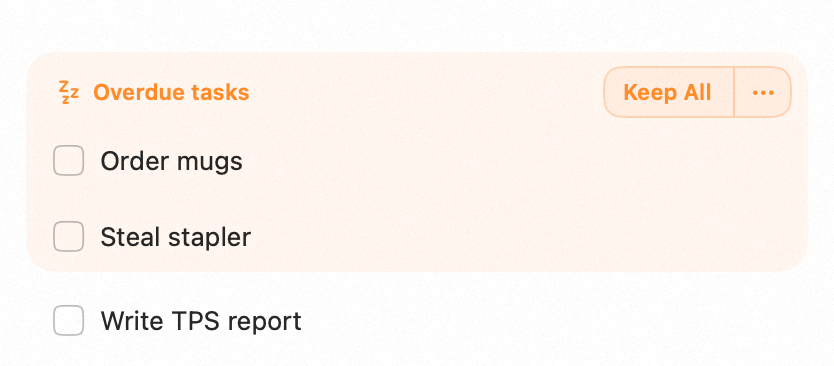
When a task was scheduled for a day that has passed and you didn't complete it, Sonto presents it
clearly as **overdue** rather than letting it quietly slip out of view. You then decide what to do with
it, one task at a time.
## Keep or postpone
Each overdue task comes with two quick actions:
* **Keep** — bring the task into today, so you tackle it now.
* **Postpone** — push it to a later day, when you'll realistically get to it.
This keeps your day honest: nothing disappears, and you make a deliberate choice instead of carrying an
ever-growing backlog.
 ## Availability
Overdue handling is available on both **Mac** and **iPhone**.
## Related
Where overdue tasks surface as you plan.
Scheduling and completing tasks.
## Availability
Overdue handling is available on both **Mac** and **iPhone**.
## Related
Where overdue tasks surface as you plan.
Scheduling and completing tasks.