

Sharing to Sonto on the Mac
Enabling the extension
On Mac, you have to manually enable the Share Extension before you can use it. OpenSystem Settings > General > Login Items & Extensions.
Scroll down to Extensions and click By Category. Then click on the next to Sharing.
In the list, find Sonto and toggle it on.
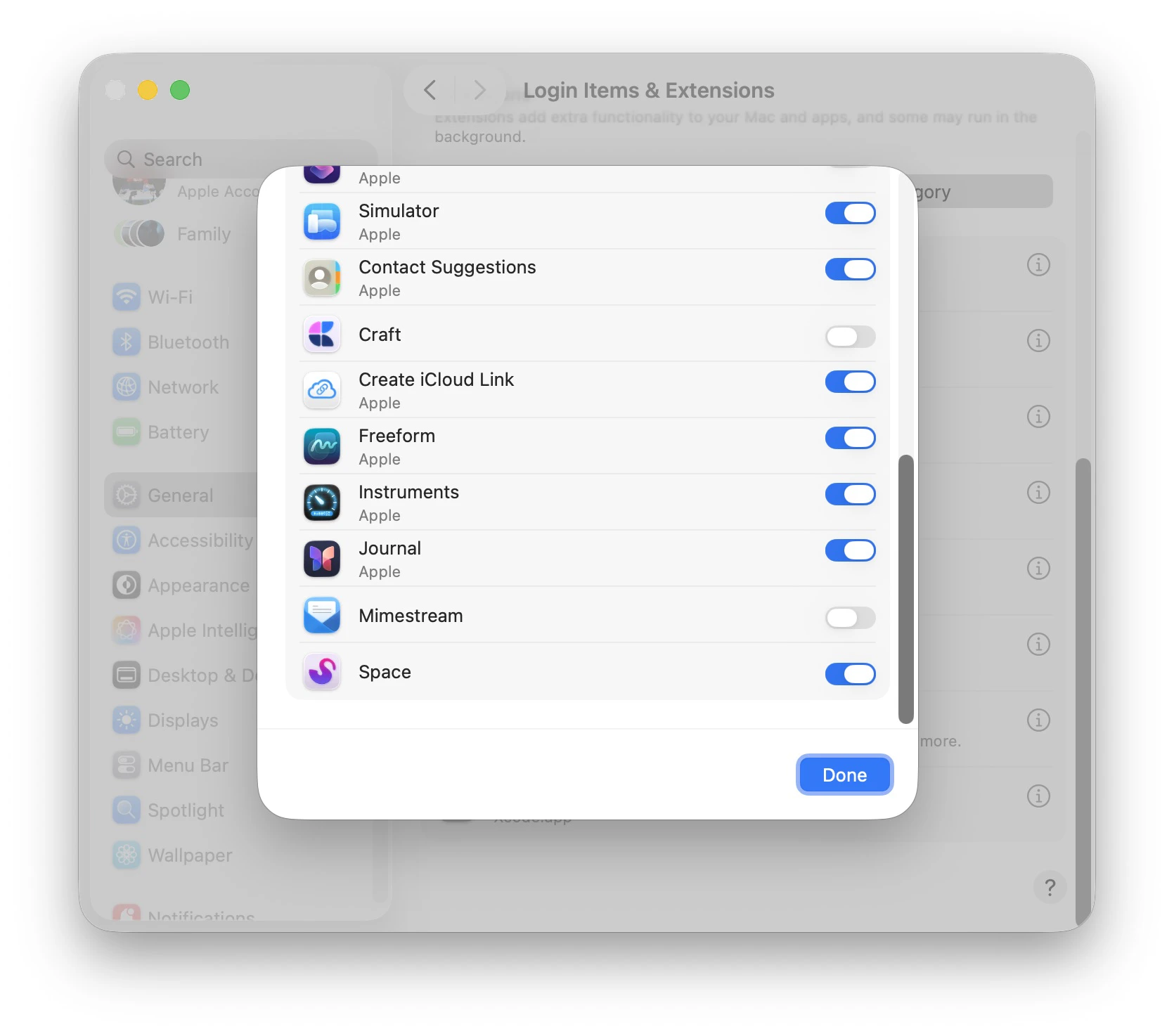
First activate Sonto
Using the extension
In any app that supports Share Extensions, open the Share menu and click Sonto.
Open the Share menu and click Sonto

Creating a task in your Inbox
Sharing to Sonto on iOS
On iOS things are a little easier since we don’t need to enable the extension; it is always on. Just open an app that supports sharing, tap the share icon, and find Sonto in the list of apps. When Sonto is not shown immediately, tapMore and look for Sonto in the resulting list.
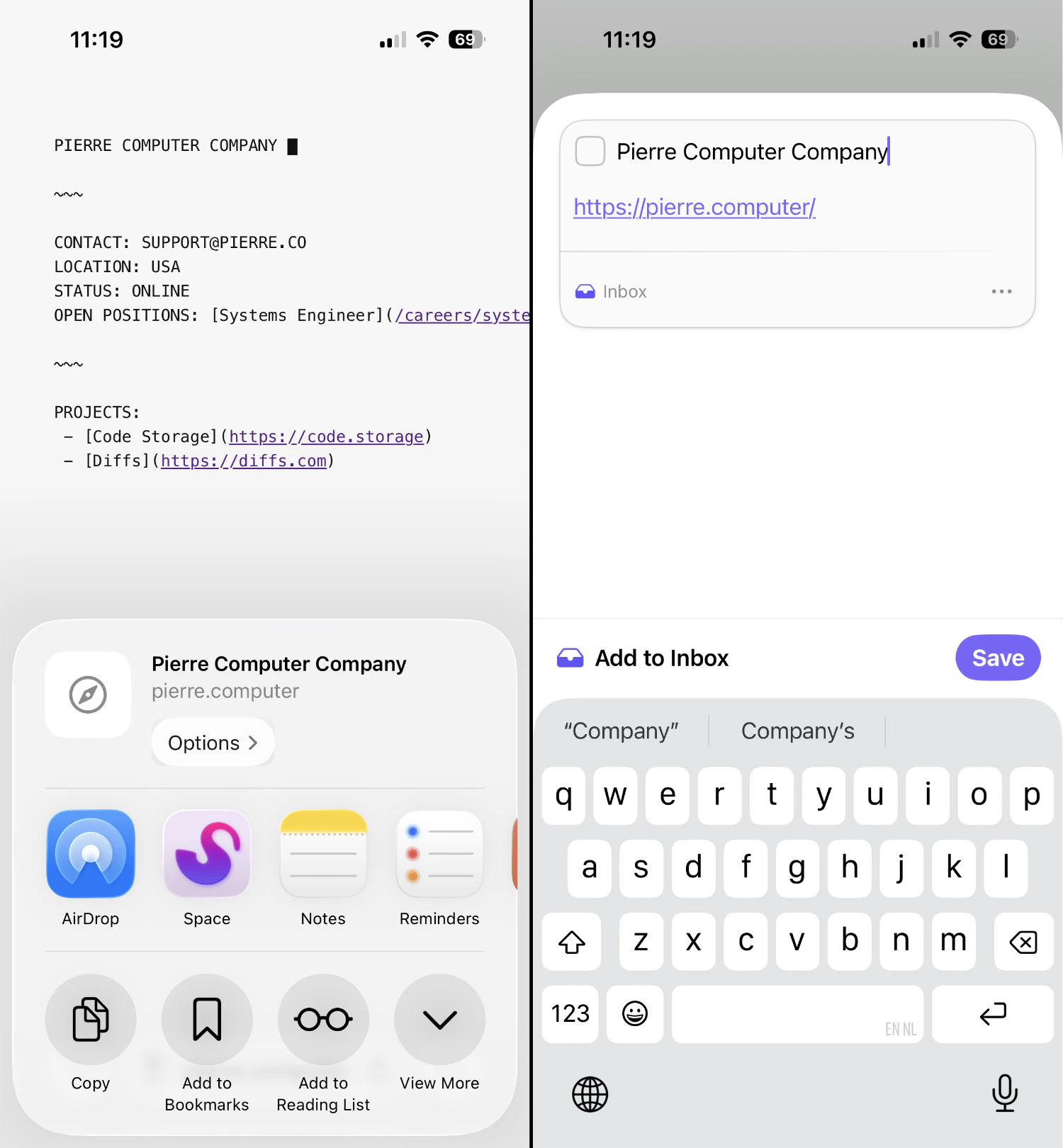
Sharing on iOS