

Export a view
Open the view you want, then choose Export as Markdown. Sonto produces the Markdown for you to copy and paste wherever you need it.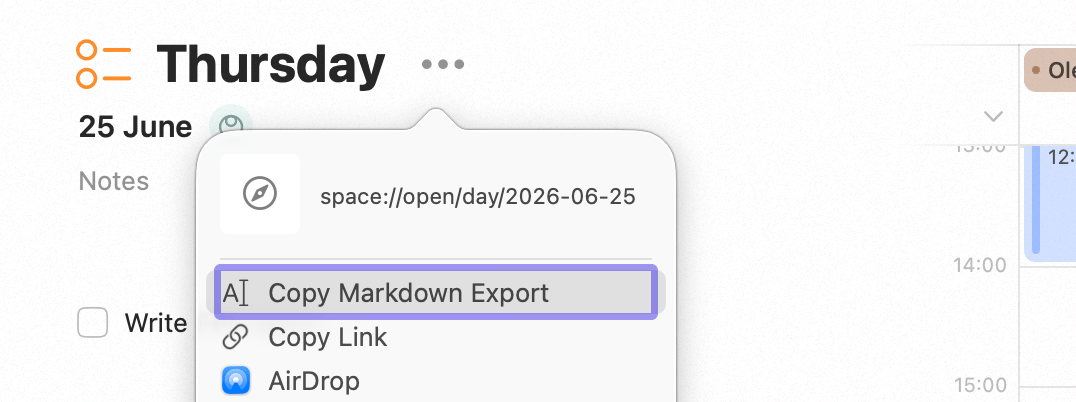
Exporting a view as Markdown
What it’s good for
- Share a plan — drop your week or a project into an email, a message, or a document.
- Keep a record — paste a snapshot of your day or week into your notes app.
- Hand context to an AI — give an assistant your plan as text. For a live, two-way connection instead of a one-off paste, see Connect to AI Agents.
Copy a link instead
Sometimes you want a pointer to live content rather than a snapshot of it. Choose Copy Link on a task, project, or plan to get a deeplink — a link that opens the item straight back in Sonto. Drop it in a note, a message, or an AI prompt to jump back to exactly the right place.Availability
Related
Connect to AI Agents
A live connection between Sonto and your AI tools.
Backup & Import
Back up and move your full Sonto data.