

Adding tasks with Spotlight (MacOS)
Spotlight offers a quick way to add tasks to Sonto from anywhere on your Mac with a few keystrokes. It is fast, and doesn’t bring Sonto to the foreground, which is great for just quickly getting something out of your head and into your inbox. First press your Spotlight keyboard shortcut (configure this in your Mac’s System Settings). Then begin typingadd to sonto. As soon as you see it coming up, you can press Enter.
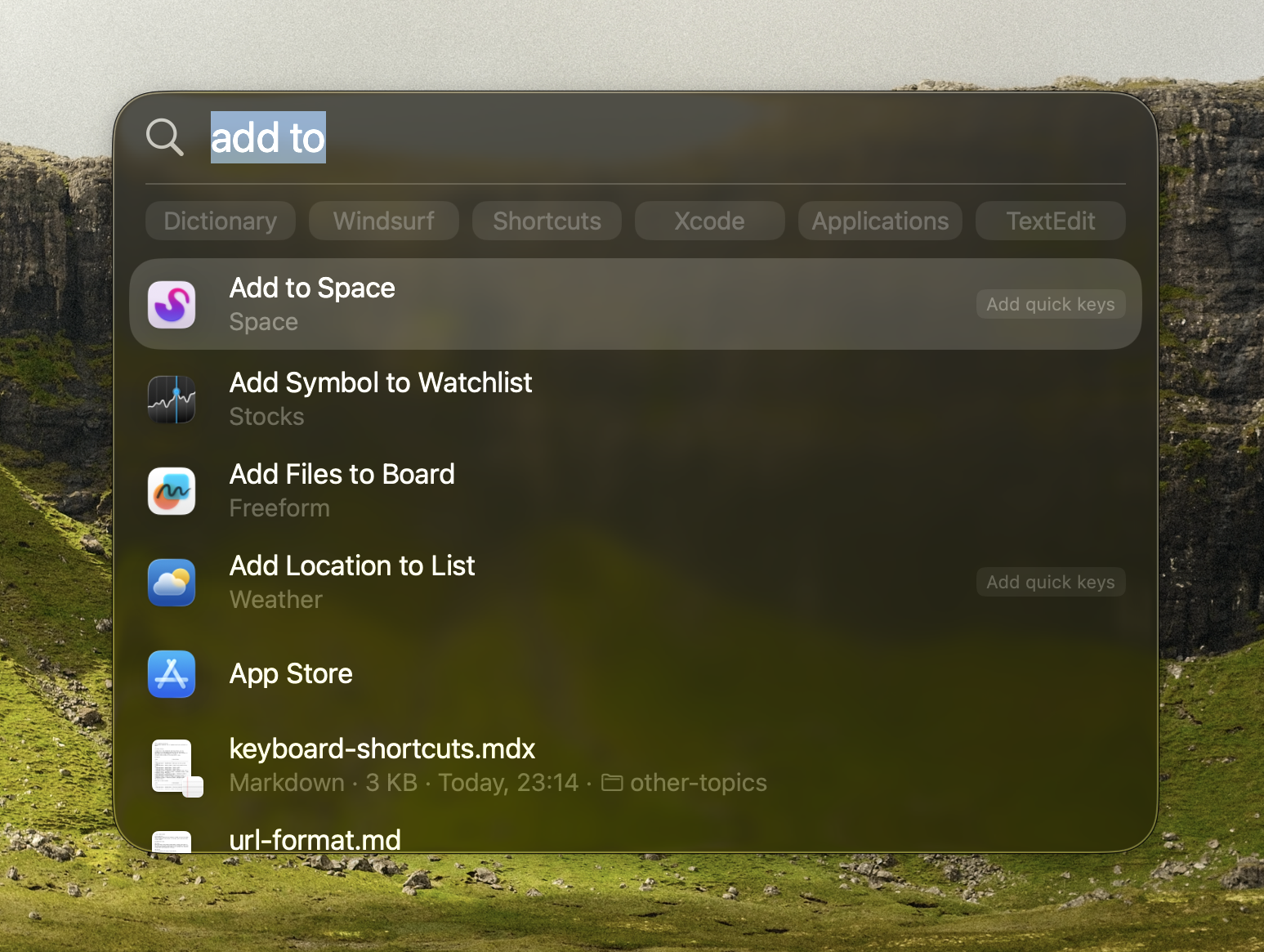
First activate Sonto
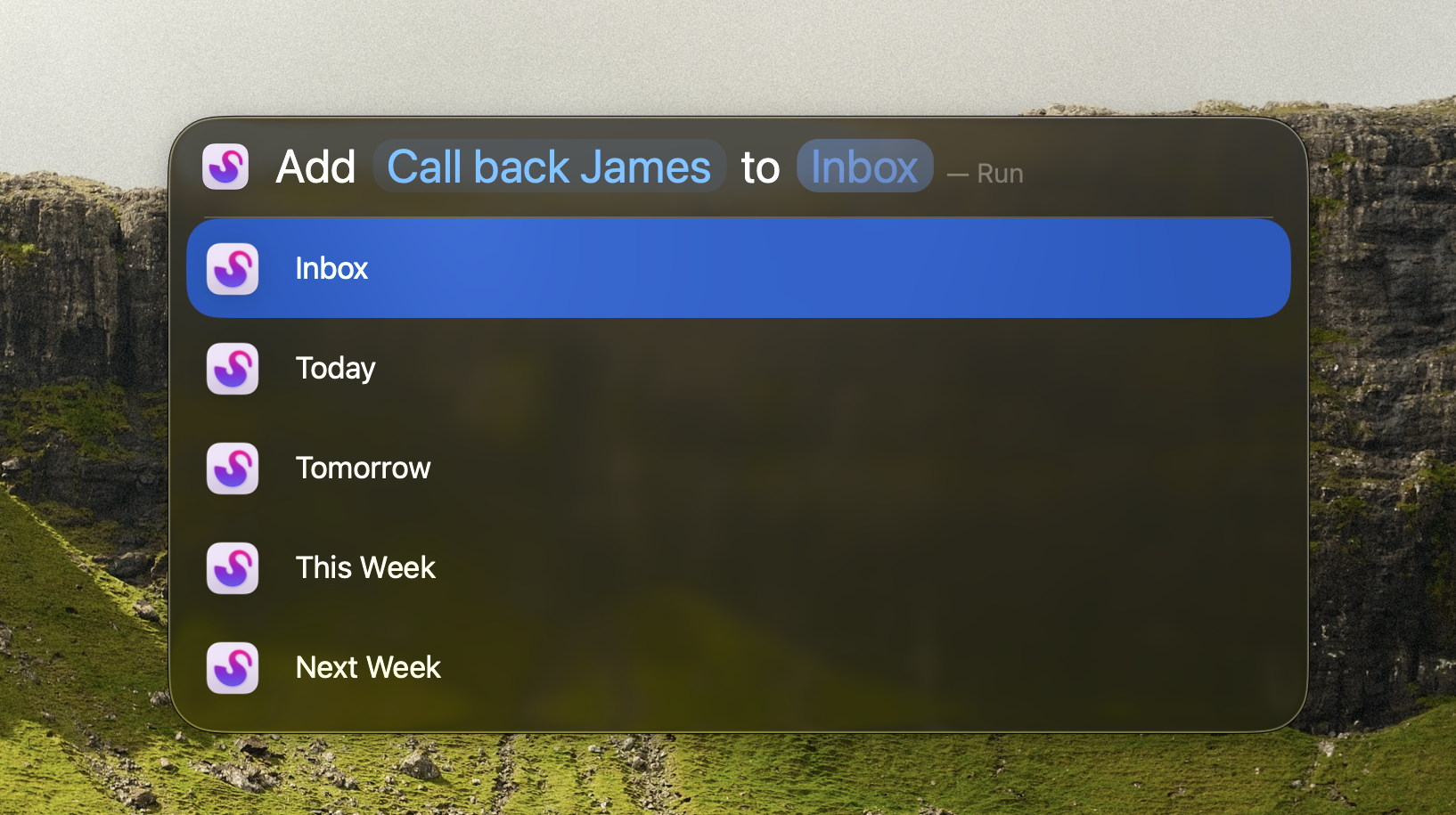
Then add your task