

Keep or postpone
Each overdue task comes with two quick actions:- Keep — bring the task into today, so you tackle it now.
- Postpone — push it to a later day, when you’ll realistically get to it.
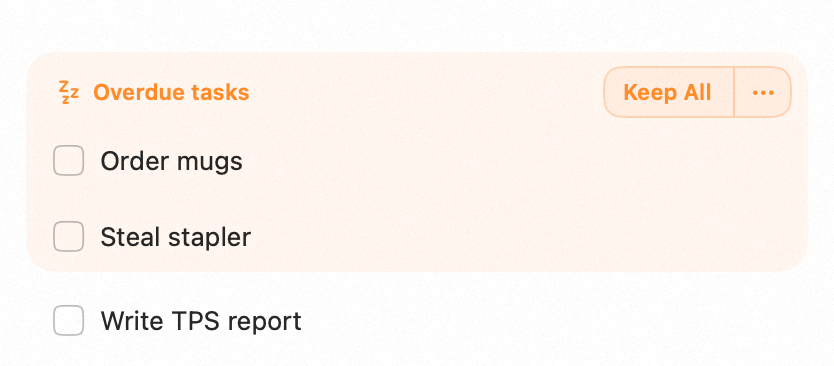
Overdue tasks with keep and postpone actions
Availability
Overdue handling is available on both Mac and iPhone.Related
Weekly and Daily Planning
Where overdue tasks surface as you plan.
Tasks
Scheduling and completing tasks.