

Search on Mac
Press Cmd + \ to open search. The same panel lets you jump to any screen in the app, so you can navigate and search from one place. Start typing to match tasks by their text.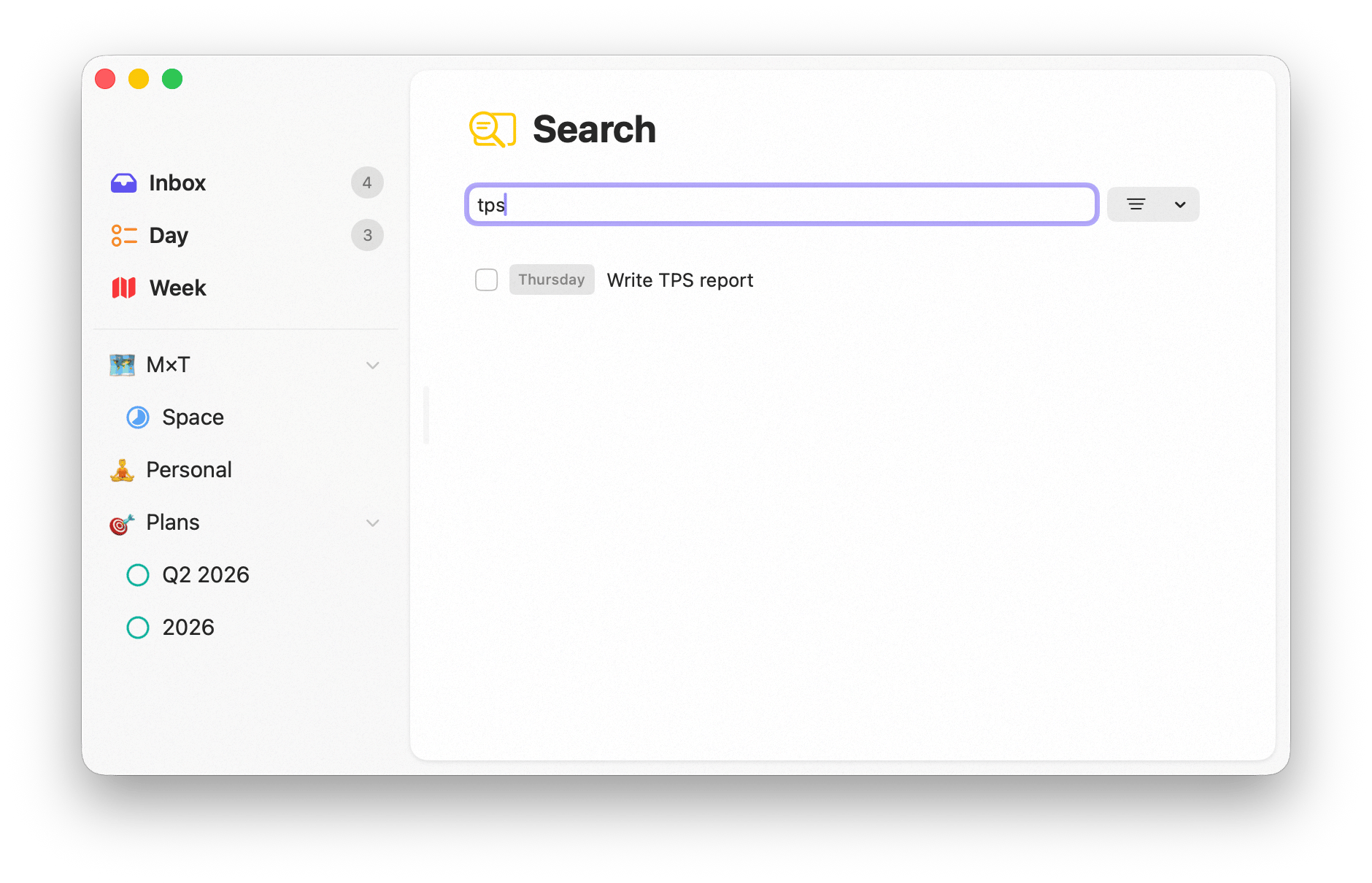
Searching on Mac
Search on iPhone
Tap the magnifying glass on your Home Screen to search or navigate from anywhere in the app.Sorting and filtering
Within results you can sort and filter to narrow things down — handy when a common word matches many tasks. Combine search with tags to focus on a specific slice of your work.Availability
Search is available on both Mac and iPhone.Related
Screens
Where your tasks live across Sonto.
Tags
Filter across everything by tag.