

Check out a video walkthrough showing the basics of Sonto
Get introduced to the basic functionality of Sonto.
Inbox
This is a great place to capture things that come up ad-hoc. Go through this list occasionally (during daily planning, for instance) and move everything out — either schedule it, assign it to a project or area, or delete it. That keeps the inbox a functional temporary staging area rather than a place things pile up.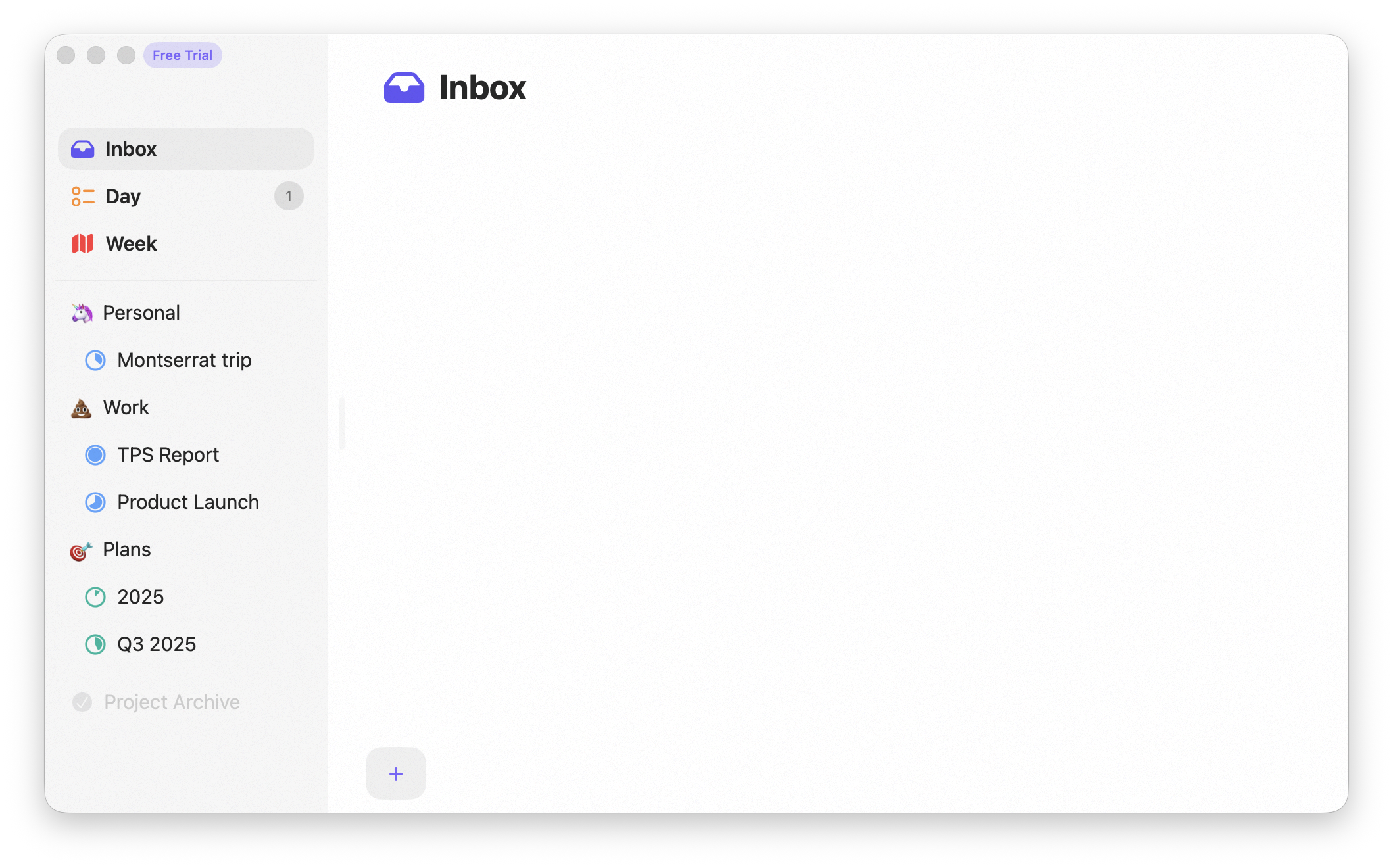
Inbox
Day
This is where you spend most of your time. All your work for the day is here, including your schedule and calendar. Staying on this screen helps you focus on what matters now.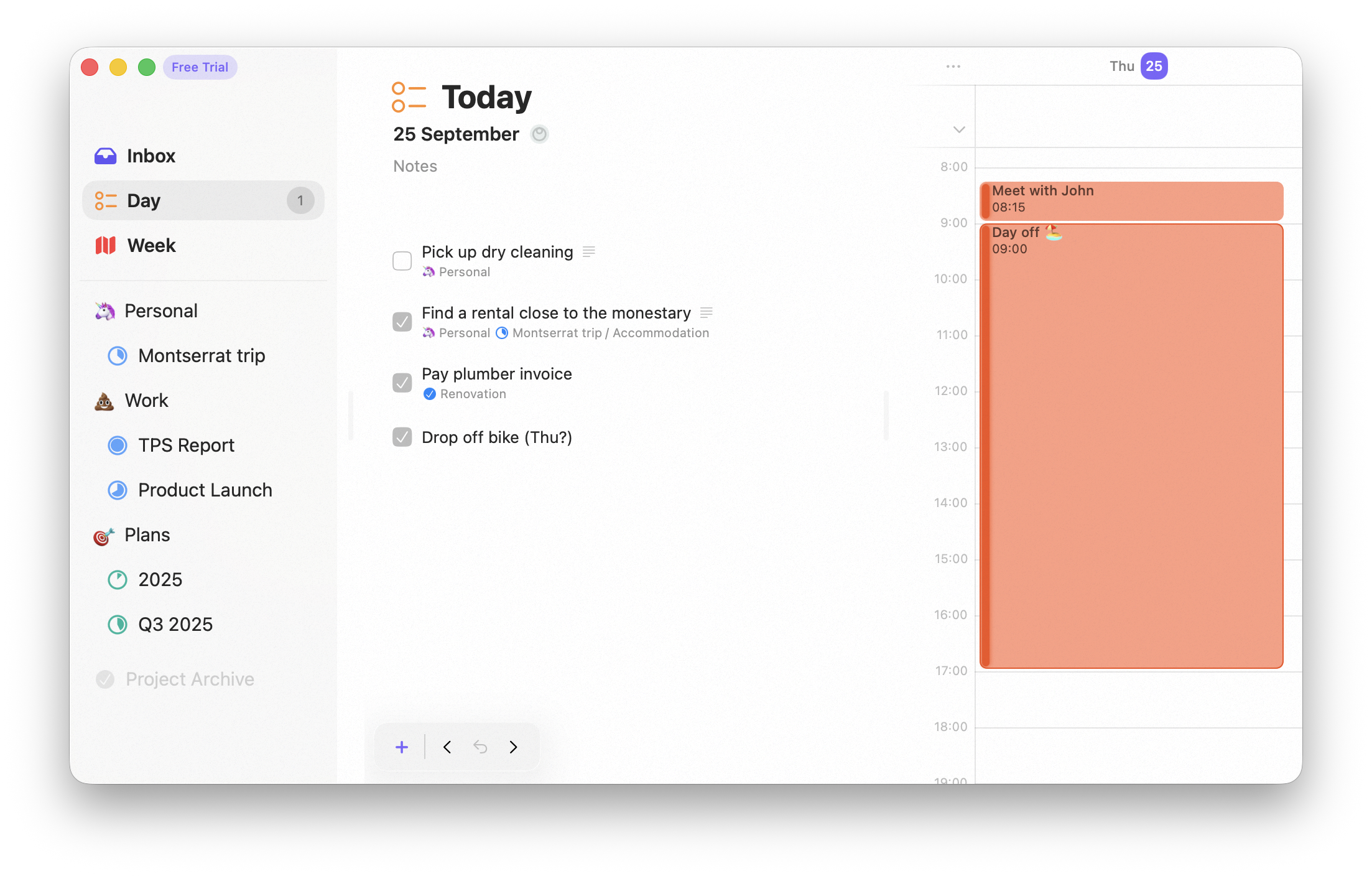
Day
Week
This screen gives you an overview of what’s coming up this week. You can schedule a task on the week — meaning you want it done sometime this week, but not on a specific day yet. During daily planning, you review open tasks for the week and pull what you can into today.
Week
Projects
When you need more structure, group tasks into a project. A project should have a clear outcome you’re working toward and can mark complete.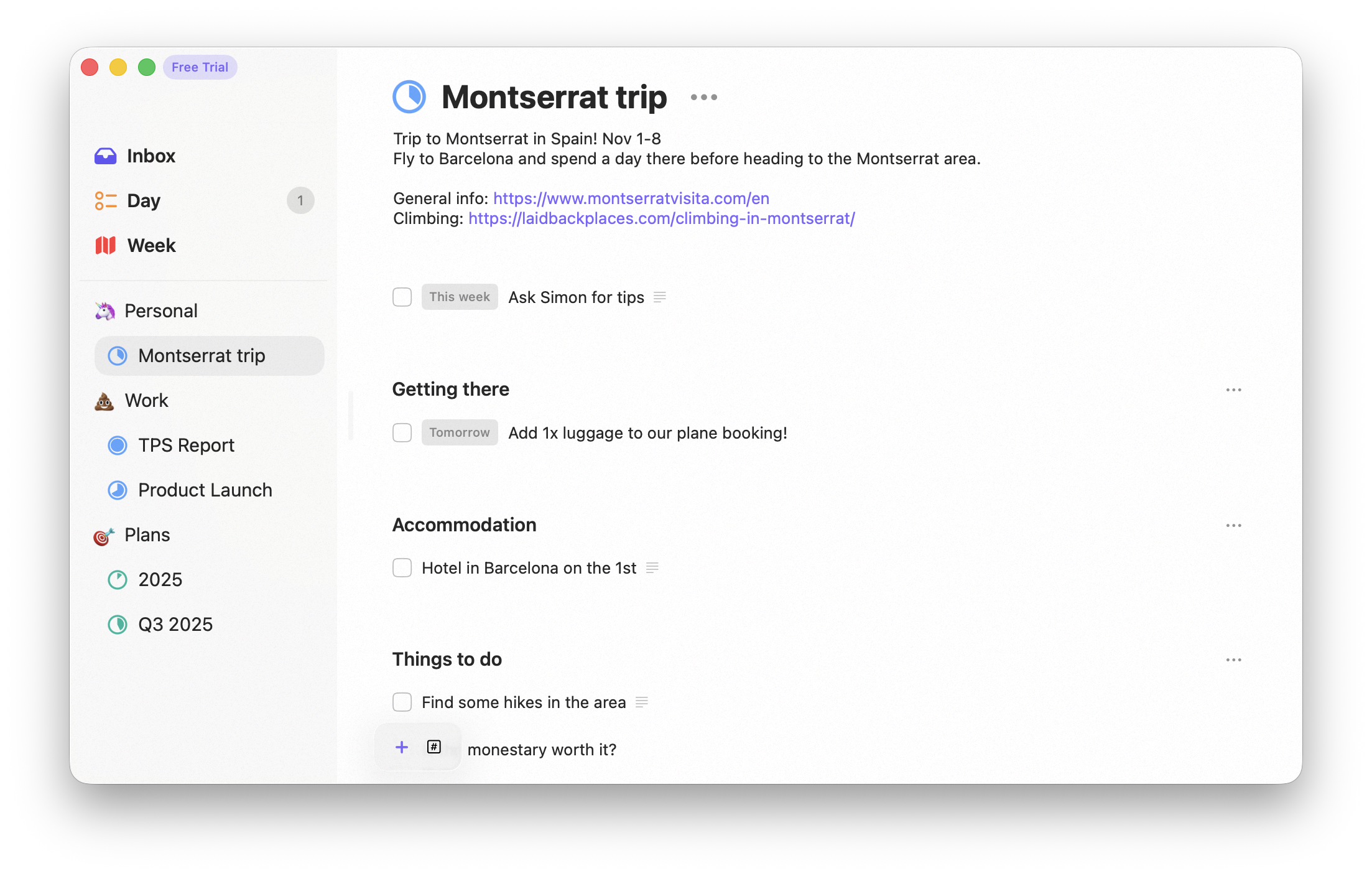
Project
Areas
For ongoing parts of your life, create an area. Areas represent never-ending aspects like work or family. A project can live inside an area — drag the project onto the area to nest it.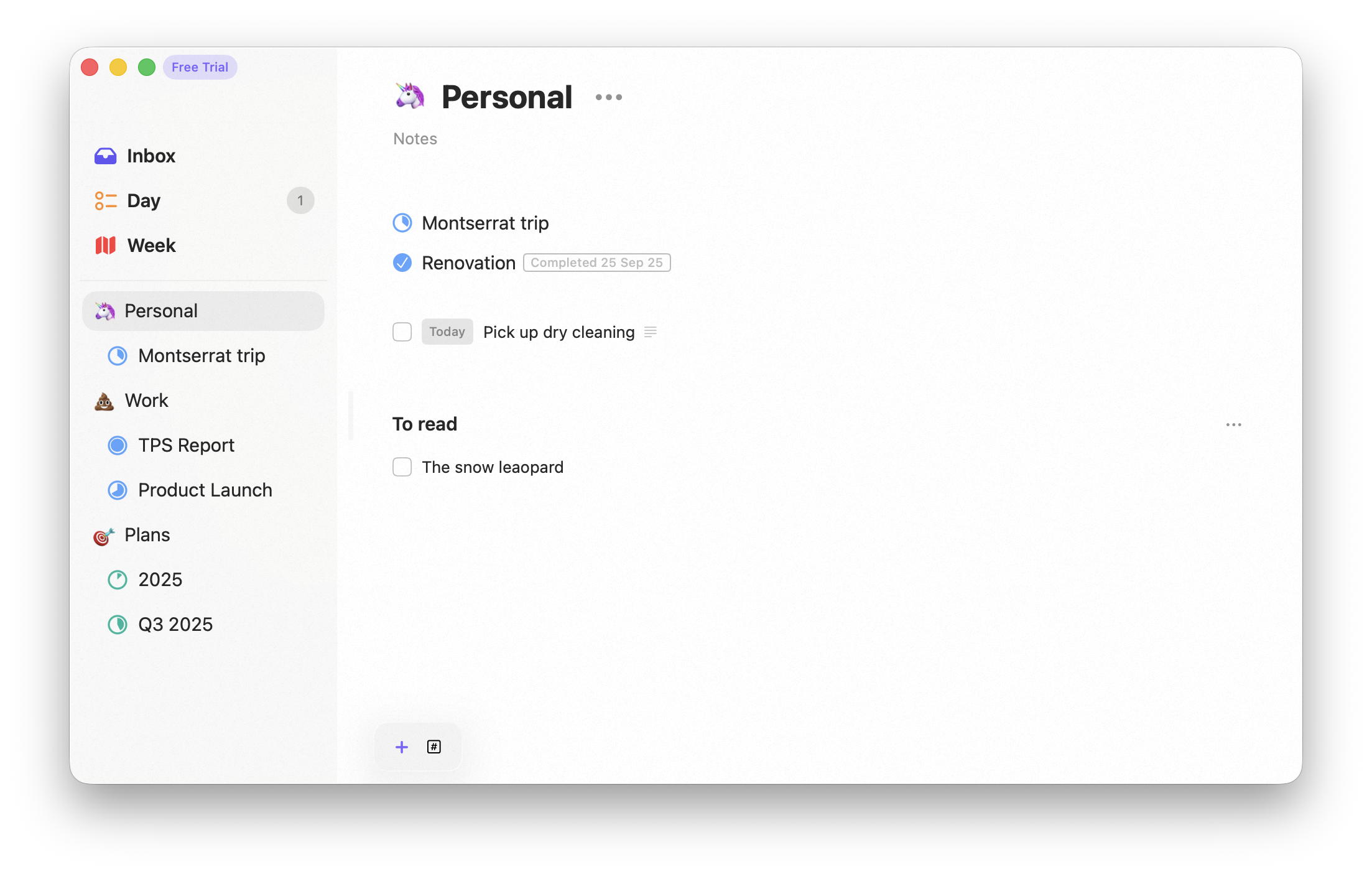
Area
Finding anything
Wherever a task lives, you can jump straight to it with Search, and narrow any screen with tag filters.Availability
All of these screens are available on both Mac and iPhone.Related
Tasks
What a task can hold.
Projects & Areas
Structure beyond the inbox.